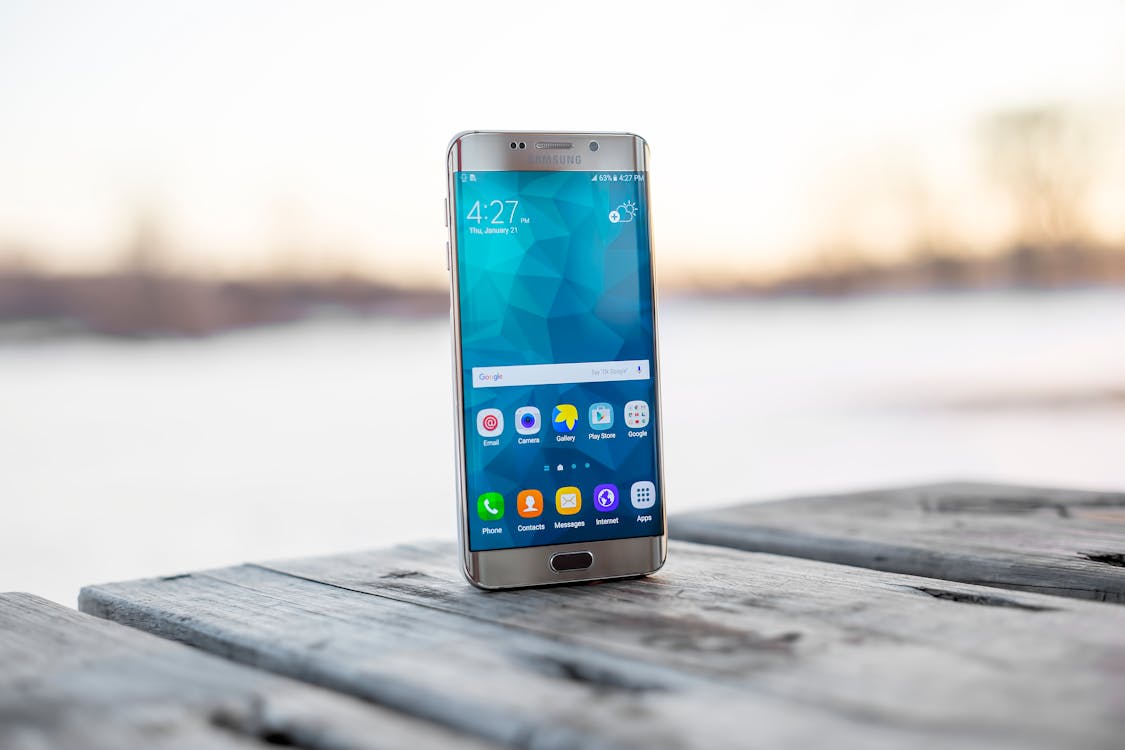
Why Android Has No Built-In PDF Merger
Android does not have a native PDF merge tool like macOS Preview or Windows 10's PDF viewer. Most Android users reaching for a merge solution turn to the Google Play Store and install a third-party app. But Android apps often require permissions (camera, location, contacts), exact storage quotas, and trust in whoever built them.
The easier path is the browser. Chrome runs on every Android phone, and pdfmerger.io works perfectly inside it. Unlike apps on the Play Store, a browser-based tool does not ask for permissions, does not require installation, and does not add a permanent icon to your home screen.
How to Merge PDFs on Android Using Chrome
Open Chrome and visit pdfmerger.io. The site will detect your mobile browser and adjust the interface automatically. Tap the "Select Files" button or the large upload area in the center of the screen. A file picker will open showing your phone's storage, Downloads folder, and cloud service integrations if you have any.
Select your first PDF and tap Open. The file will appear as a thumbnail in the merge queue. Repeat this process to add more PDFs, or if your Android file picker supports multi-select, you can choose all your PDFs at once and add them together. Once all PDFs are loaded, you will see them stacked vertically on the screen.
Reorder the PDFs by dragging them if needed, then tap the green "Merge" button. The browser will process the files in seconds, and you will see a download button appear. Tap it to save the merged PDF to your Downloads folder. From there, you can move it to any cloud service or share it via email.
Browser-Based vs App-Based PDF Merging on Android
Competitors like ilovepdf and smallpdf work well on Android, but they are server-based: your PDFs upload to their servers for processing. On mobile with slower connections, this can take minutes. Worse, sensitive documents (contracts, medical scans, tax forms) are temporarily stored on remote servers. pdfmerger.io processes everything in your phone's browser, so your files stay on your device. No upload, no server storage, no privacy risk.
App-based tools from the Play Store often work fine too, but they come with tradeoffs: they occupy storage space, require storage permissions, push notifications, and update schedules. A browser solution is faster to load and leaves zero footprint once you close the tab.
Which Android Phones and Versions Are Supported?
pdfmerger.io works on any Android device running Android 6 or newer with Chrome installed. That includes phones from budget brands (Xiaomi, Motorola) all the way up to flagship Samsung Galaxy devices. The browser-based approach means you do not need a high-end phone to merge PDFs—even older, slower Android phones will work fine.
Frequently Asked Questions
Does Android have a built-in PDF merger?
No. Unlike iOS and macOS, Android does not offer a native PDF merge tool. Third-party apps and browser-based solutions are your only options. Browser-based is faster and does not require an app download.
Will PDF merging work on older Android phones?
Yes, as long as you have Chrome or another modern browser installed and Android 6 or newer. Even budget phones and older devices will run pdfmerger.io without lag. The browser-based approach is lightweight and does not demand high processing power.
Can I merge PDFs from Google Drive on Android?
Yes. When you tap "Select Files" on pdfmerger.io, your Android file picker will show Google Drive as an option if you are signed in. You can tap into Google Drive, select your PDFs, and add them to the merge queue. The process is seamless because Chrome integrates with your Google account.
More Android PDF Tools
- Compress PDF — Shrink file sizes before sending via email.
- Split PDF — Extract specific pages from large documents.
- Unlock PDF — Remove permissions passwords from PDFs.